

1.2 How To Use Internet Banking In 10 Simple Steps (Complete Guide for Beginners).
What Is Internet Banking?
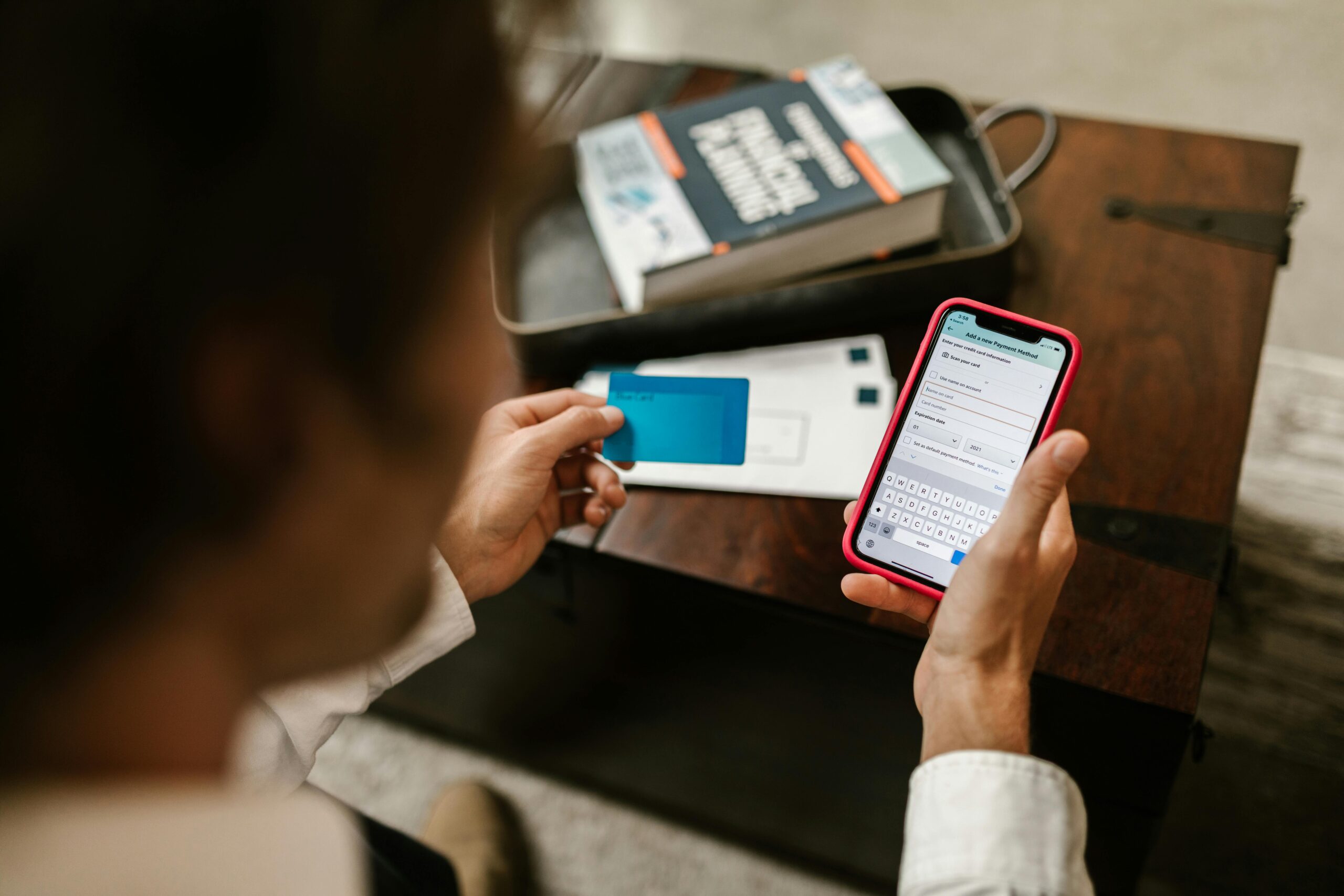
Internet banking is a digital banking service that allows customers to access and manage their bank accounts through the internet. It eliminates the need to visit a physical branch for most routine tasks. Banks provide customers with a secure login ID and password that can be used through their official website or mobile application.
Table of Contents
Some common names for internet banking include:
- Online Banking
- E-Banking
- Net Banking
- Digital Banking
- Web Banking
Through internet banking, customers can perform tasks such as:
- Checking account balance instantly
- Transferring money using NEFT, RTGS, IMPS, or UPI
- Paying electricity, water, gas, and other bills
- Opening or closing fixed deposits and recurring deposits
- Ordering cheque books and viewing account statements
- Managing loans, EMIs, insurance, and investments
- Tracking every transaction in real time
Most importantly, internet banking is available 24×7, including weekends and holidays, making it far more convenient than visiting a bank branch.
Benefits of Internet Banking
Before we jump into the steps, it helps to understand why internet banking is so widely used today. Here are the key advantages:
1. Convenience and Time-Saving
No need to stand in queues or visit branches. You can perform banking activities anytime, even late at night.
2. Instant Transactions
Money transfer, bill payments, and recharges happen within seconds.
3. Cost-Effective
Most online transactions are free or cost far less than branch services.
4. Secure
Banks use advanced encryption, OTP verification, and multi-layered authentication.
5. Environment-Friendly
Digital statements reduce paper usage.
6. Transparency
Every transaction is recorded, providing complete clarity and control.
How To Use Internet Banking in 10 Simple Steps
Below is a simplified, easy-to-follow, beginner-friendly guide that teaches you exactly how to use internet banking safely and efficiently.
Step 1: Open a Bank Account and Request Internet Banking Access
To use internet banking, you must first have a bank account. Once your account is active, request your bank to enable internet banking (sometimes this is enabled automatically).
Banks may provide:
- A Customer ID
- A temporary user ID
- A temporary password
- An activation link or instructions
Some banks allow online registration, while others require visiting the branch for the first activation.
Step 2: Visit the Official Bank Website Only
Always access your internet banking through the official, verified website of your bank.
Avoid clicking links sent through emails, unknown messages, or unofficial websites.
Check for:
- HTTPS secure connection
- Bank’s verified URL
- Avoiding spelling variations
This step protects you from phishing risks.
Step 3: Register or Log in for the First Time
Once on the official portal, you can proceed with:
• New User Registration
If you are registering for the first time, you may need:
- Account number
- Registered mobile number
- Debit/ATM card details
- Date of birth or PAN
You will receive an OTP to activate the service.
• First-Time Login
If the bank gave you a temporary username and password:
- Enter temporary login details
- Change the password immediately
- Set up security questions
- Enable two-factor authentication (2FA)
This ensures your account is fully secure from the beginning.
Step 4: Set a Strong Password and Keep It Safe
Your password is the key to your banking security, so follow these guidelines:
- Use a mix of letters, numbers, and special characters
- Avoid using names, dates, or predictable patterns
- Never share your password with anyone
- Change your password every 3 months
- Do not save it in mobile notes or browsers
Experts recommend using a combination like:
Aa@9217Gh (Just an example—do not use this format exactly)
Step 5: Explore the Dashboard and Understand Menu Options
After logging in, you will see a dashboard. This is the control center from where all banking tasks are managed. Common menu sections include:
- Account Summary
- Account Statement
- Fund Transfer
- Bill Payments
- Investments
- Loans
- Service Requests
- Profile Settings
Spend a few minutes exploring each option to understand what it does.
Step 6: Check Balance and Download Statements
One of the first things users do is check their balance. This is usually available on the homepage. You may also:
- Download monthly or yearly statements
- View mini statements
- Track debit/credit history
- Verify transaction status
You can save statements as PDF files or email them to yourself.
Step 7: Add a Beneficiary for Money Transfer
To transfer funds, you first need to add a beneficiary (recipient).
Information required:
- Name of the person
- Bank account number
- IFSC code
- Account type (savings, current)
Most banks take 10 minutes to 4 hours to activate a newly added beneficiary.
Step 8: Transfer Money Through NEFT, RTGS, IMPS, or UPI
Once your beneficiary is active, choose a payment method:
NEFT (National Electronic Funds Transfer)
- Settlement every 30 minutes
- Suitable for regular transfers
RTGS (Real-Time Gross Settlement)
- For large transactions
- Real-time transfer
IMPS
- 24×7 instant transfer
- Ideal for urgent payments
UPI
- Fastest and simplest
- No need for account number
Enter the amount, select the account, confirm details, and proceed.
An OTP will be sent to your registered mobile number to authorize the transaction.
Step 9: Pay Bills, Recharge, and Manage Other Services
Internet banking allows you to pay:
- Electricity bills
- Water bills
- Gas bills
- Mobile recharge
- DTH recharge
- Credit card bills
- Insurance premiums
- Loan EMIs
You can also set automatic payments, ensuring bills are never missed.
Step 10: Log Out Properly and Avoid Using Public Devices
Always log out after completing your work. Never use:
- Public Wi-Fi
- Cyber cafés
- Shared computers
If you must use them, clear browsing data and do not save passwords.
Important Security Tips for Internet Banking
1. Never Share OTP, PIN, or Password
Bank staff will never ask for these details.
2. Keep Your Mobile Number Updated
All alerts and OTPs depend on it.
3. Install Official Banking Apps Only
Avoid third-party sources.
4. Activate SMS and Email Alerts
This helps track suspicious activity.
5. Use Antivirus Software
Prevents malware attacks.
6. Regularly Monitor Your Account
Report unauthorized transactions immediately.
Common Mistakes People Make While Using Internet Banking
Despite its convenience, many users commit small mistakes that expose them to cyber risk. Some examples include:
- Using easy passwords
- Saving login details in browsers
- Clicking unknown links
- Not updating phone numbers
- Using unsecured Wi-Fi
- Ignoring suspicious login alerts
- Sharing OTP-based screenshots
- Not checking beneficiary details carefully
Avoiding these mistakes ensures 100% safe transactions.










* * * $3,222 deposit available * * * hs=f69d447b8a91878d576418767759f12b* ххх*
3cnhas